











You are at an airport with 9 percent battery. There is a free USB port in the wall and an open Wi-Fi network with a friendly name. Both look harmless. Both are unverified. The risk is real, but it is narrow, and a few habits cover most of it.
What the Risk Actually Is
Start with Wi-Fi. The FTC's consumer advice page on public networks is the federal starting point, and you can read it yourself at the FTC's public Wi-Fi guidance. The core worry is simple. An open network lets anyone join, and that may give others a chance to see traffic that is not encrypted.
Now the charger. Juice jacking is the name for a specific scenario. Someone modifies a public USB charging port so it installs malware or copies data from a phone plugged into it. It works in theory because a USB cable carries power and data on the same connector, using separate internal pins. A tampered port could, in principle, use the data pins too.
Notice the words "in principle." They matter in the next section.
How Much Evidence Exists
Security researchers quoted in a recent news report on airport USB charging say the threat is real because proof-of-concept demonstrations exist. They also say there are no credible reports of successful attacks. A demonstration is not a pattern of losses.
The history shows it. In 2013, researchers at Black Hat USA showed a malicious charger prototype called Mactans. It could install malware on an iPhone running iOS 6. That was a lab result on an old operating system. It was not a crime wave.
Public warnings have wobbled since. The FCC published a warning about juice jacking and later withdrew it after tech experts disputed the size of the threat. A Los Angeles County district attorney warned about it in 2019, then confirmed the office had no cases on its books.
One more fact belongs here. The sources give no confirmed counts of successful juice-jacking or public Wi-Fi fraud incidents in the US. So nobody can honestly say how often it happens.
Practical Precautions Worth Taking
Do these first, in this order. The first one costs nothing.
- Skip the public USB port. The TSA advised travelers in March 2025 not to plug phones directly into airport USB ports.
- Bring your own power. The same advice points to a personal charger or battery pack as the alternative.
- Hold sensitive tasks. Avoid banking logins and passwords on networks you cannot verify.
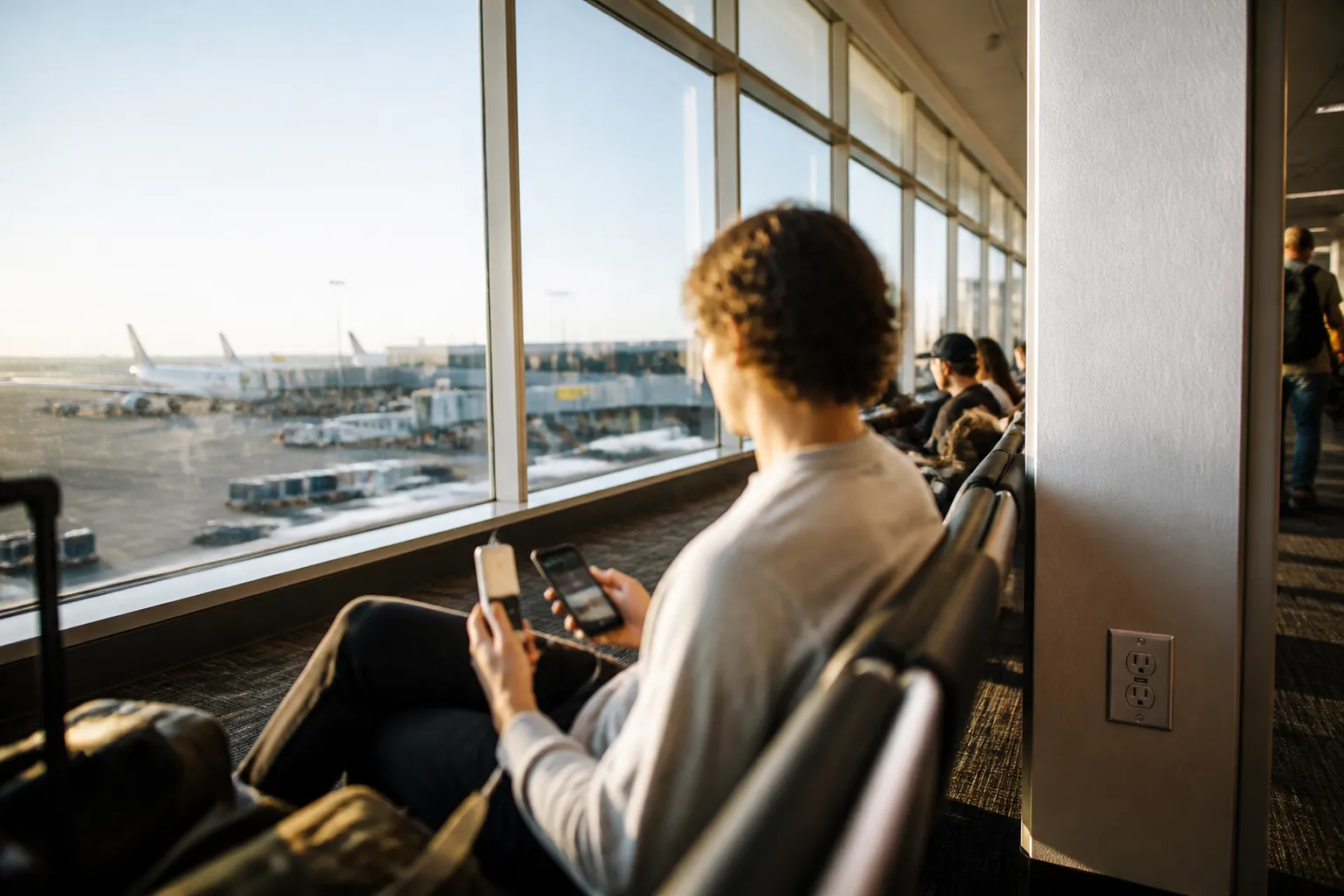
That covers the two access points the sources flag. Juice jacking is also only one of many possible attacks on a phone. Device security still matters more than any single charging habit. These steps help against a wider set of threats:
- Keep the operating system and apps updated.
- Use strong, unique passwords on important accounts.
- Turn on any extra sign-in protection your accounts offer.
Questions to Ask Before You Connect
Pause for ten seconds. Ask whether you can verify the network or port as legitimate. A name that looks official can still be a copy set up by someone else. Appearance proves nothing. Verification does.
Then ask whether you have a charger or battery pack with you. If yes, the public port is a convenience, not a need. That makes the call easy and calm.
Red flags are short. An open Wi-Fi network is an unverified access point. A public USB port is one too. That does not make either dangerous every time. It means neither gets trusted with sensitive tasks by default.
What the Sources Do Not Cover
Gaps exist. The sources do not explain what to do if a device is compromised, or how to report it to the FTC or the FBI. If you suspect fraud, use the official reporting channels directly.
They also do not connect these risks to identity theft recovery or protecting financial accounts. If you think an account was accessed, contact your financial institution and read the FTC's identity theft guidance.
A third source, a vendor blog, was mostly navigation and unrelated product copy. It added no usable facts, so this piece does not rely on it. This article is educational only. It is not personal security or legal advice.