










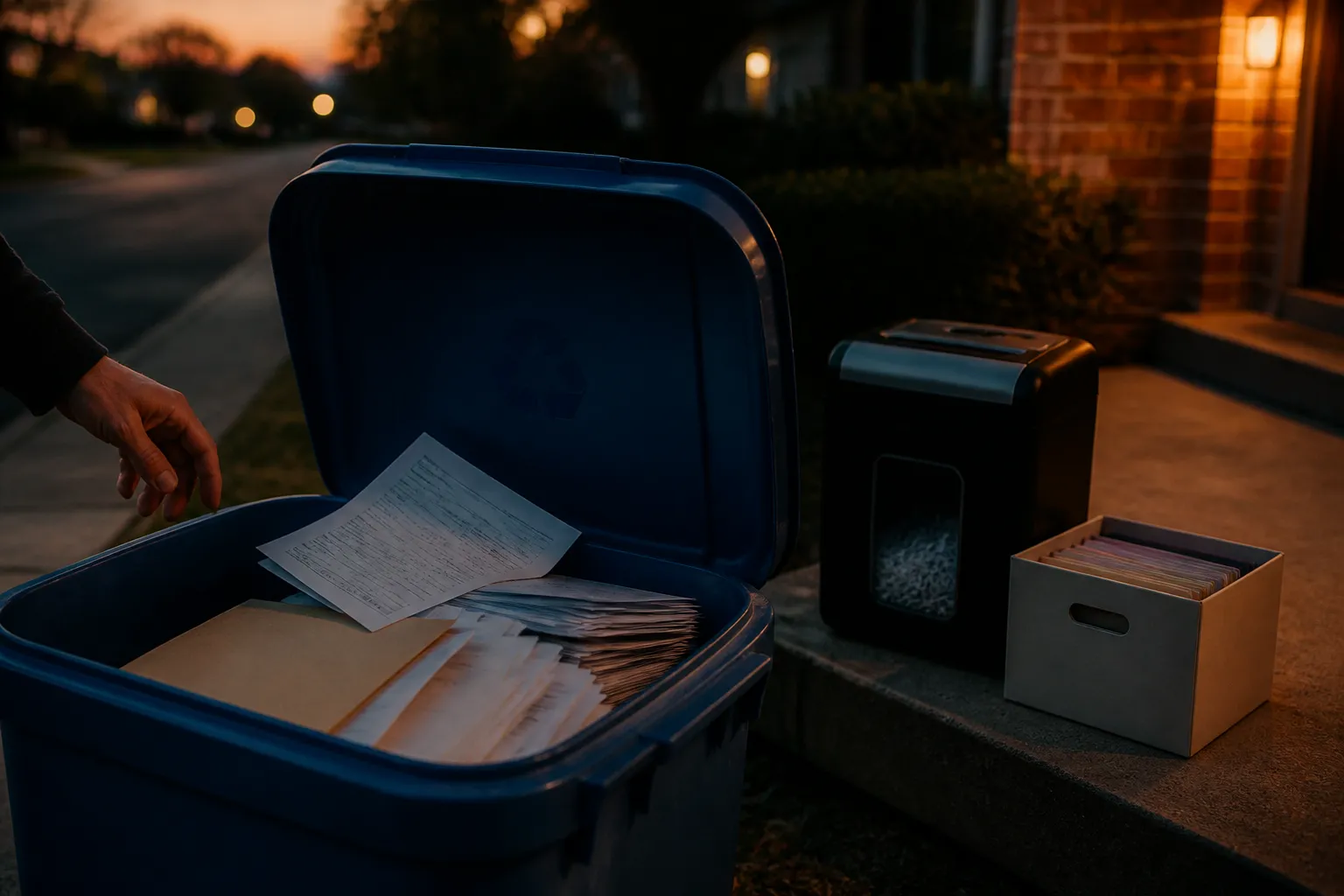
Most identity theft stories sound dramatic. This one starts with a recycling bin. A credit card offer, a medical statement, an old bank letter. Nobody thinks twice. Someone else might.
Why the trash bin is not a safe exit
Tossing papers with personal details into the trash or recycling is a common habit. It leaves a name, an account number or a medical detail open to anyone who digs through the bin. Businesses are told this is not acceptable. The FTC disposal rule, which implements the Fair and Accurate Credit Transactions Act of 2003, requires them to take reasonable measures against unauthorized access when they dispose of consumer report data.
That rule describes the target clearly. Paper should be burned, pulverized or shredded so it cannot practically be read or reconstructed. Electronic media should be destroyed or erased. You are not bound by that rule at home. It still makes a handy benchmark: if a stranger could read it, it is not gone.
Decide what to keep first
Order matters. Check before you shred. Destroying an original you still need is its own kind of problem.
One financial planning firm summarizes the IRS general rule this way: keep records at least three years from the date you filed the original return, or two years from the date you paid the tax, whichever is later. Longer windows exist. Income underreported by more than 25% can open up six years. Worthless securities or bad debt deductions point to seven years. No return, or a fraudulent one, means indefinitely. Those figures come from a secondary summary, so confirm them on the IRS records page or with a tax professional.
The same summary gives rough timelines for other papers:
- Bank statements and canceled checks: 1 to 7 years, longer if they support deductions.
- Pay stubs: until you match them to your year-end W-2.
- Home purchase, sale and improvement records: as long as you own the property, plus at least three years after selling.
- Medical bills and explanation of benefits statements: about five years after treatment ends or the policy expires.
- Wills, powers of attorney, divorce decrees: indefinitely, or as an attorney advises.
How to destroy paper at home
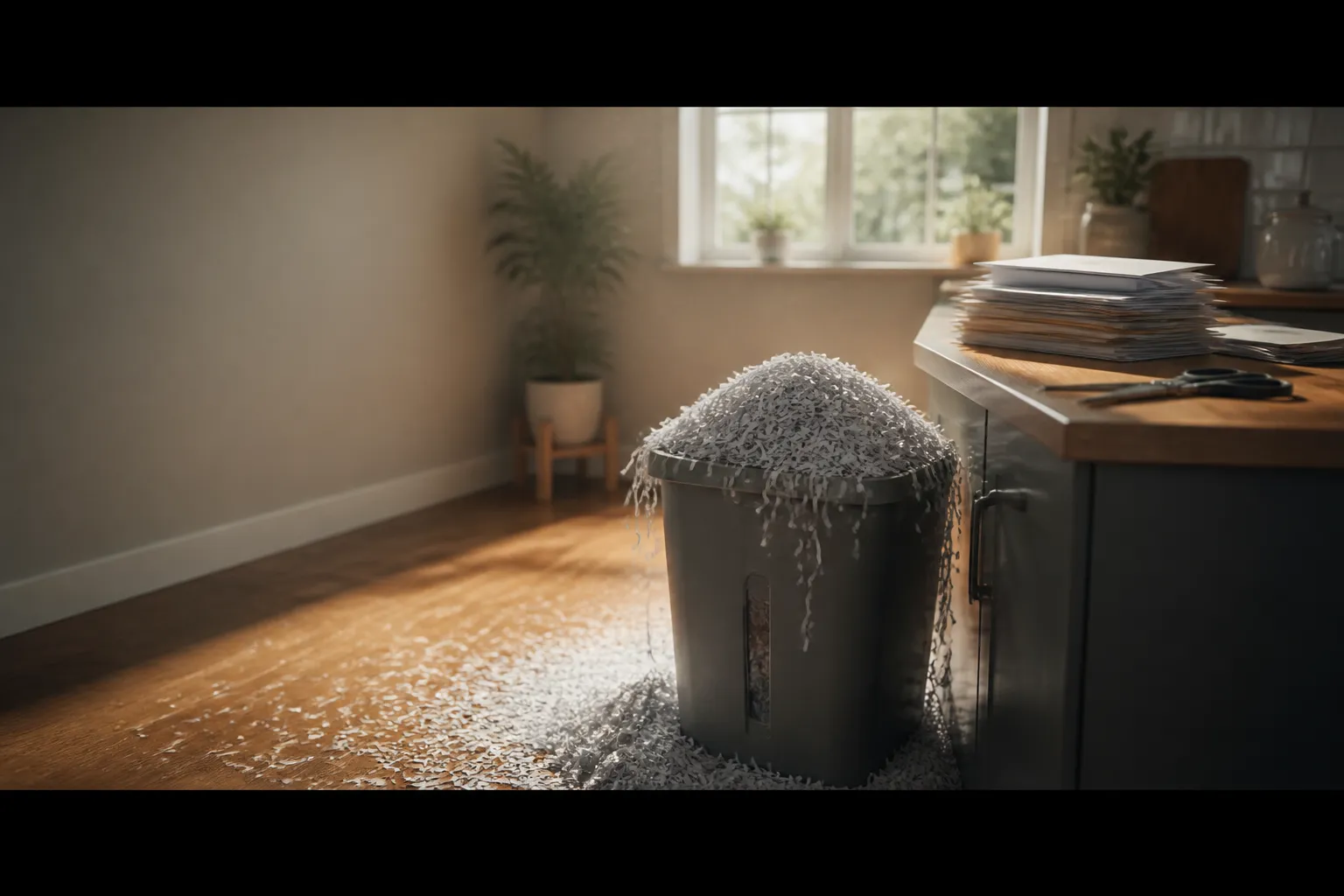
Once a document is past its useful life, shredding is described as the safest route. The cut type matters. Cross-cut, diamond-cut and confetti-cut machines produce small particles that are hard to reassemble. Strip-cut machines leave long ribbons. Ribbons can be taped back together. Treat strip-cut as a red flag for anything sensitive.
Big stacks are another story. A home machine overheats and your Saturday disappears. A shredding facility or a service that certifies full destruction can handle volume. Many charge a fee, though some communities, credit unions and office supply stores run free shredding events now and then. Ask for a certificate of destruction. It is a written record that the job was done.
Erasing digital files and old devices
Deleting a file does not remove the data. It only removes your access. The information can often be recovered even after you empty the trash. So a computer you sell or recycle is still a filing cabinet.
Here is a sensible order for the common devices:
- Computers: use software that permanently erases specific files, or wipe the whole drive. For extra certainty, physically destroy the drive before it goes to an electronics recycler.
- Phones and tablets: remove the memory and SIM cards and destroy them if you will not reuse them. Then run the master reset or erase-all-content option.
- Flash drives and portable hard drives: handle them like computer storage.
- CDs and DVDs: break or shred them. Old floppy disks and tapes: pull out the film and cut it into small pieces.
Cloud storage is different. You cannot smash it. Contact the provider and ask about its data destruction policies and what happens when an account is closed.
Health information and vendors
Medical papers carry stricter expectations. Under HIPAA, covered entities must dispose of protected health information so it is unreadable and cannot be reconstructed. They generally need business associate agreements with vendors that handle it. If you hire an outside company for health-related paper, ask whether it will sign one.
A few plain questions work on any vendor:
- Do you provide a certificate of destruction?
- Are you certified to destroy documents fully?
- How do you handle electronic media?
- Will you sign a business associate agreement if health information is involved?
Vague answers are an answer. Vendors that do this properly tend to explain it without fuss.
One gap worth stating: the sources here do not cover what to do if papers were already thrown out unsafely. For that, start with the FTC's consumer pages at consumer.ftc.gov, which cover which documents to keep and which to shred. For disposal details on records and devices, the Privacy Rights Clearinghouse guide is a useful read. This article is educational only and is not personal financial, legal or tax advice.